
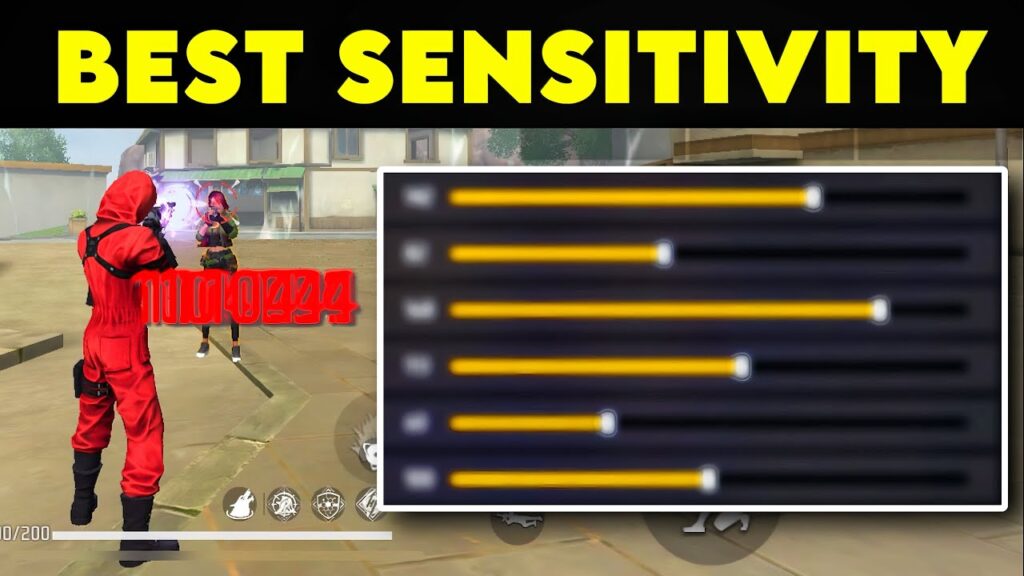
The best sensitivity for headshots in Free Fire is a combination of high general sensitivity (90–100) and controlled scope sensitivity (50–85 depending on zoom level). However, the exact values depend on your device performance, screen size, and gameplay style.
What is Sensitivity in Free Fire?
Sensitivity controls how fast your aim moves when you swipe your finger on the screen. It directly affects your ability to land headshots.
There are different sensitivity types in Free Fire:
- General sensitivity
- Red dot sensitivity
- 2x and 4x scope sensitivity
- AWM scope sensitivity
- Free look sensitivity
Each one plays a different role in aiming and shooting.
Recommended Sensitivity Settings for Headshots
| Setting | Recommended Range |
|---|---|
| General | 90 – 100 |
| Red Dot | 85 – 95 |
| 2x Scope | 75 – 85 |
| 4x Scope | 65 – 75 |
| AWM Scope | 50 – 60 |
| Free Look | 60 – 75 |
These values are designed to give:
- Fast upward aim movement for headshots
- Better control during scoped shooting
- Balanced performance in close and long-range fights
Why High Sensitivity Helps in Headshots
High sensitivity allows you to quickly drag your aim toward the enemy’s head. This is important because headshots require fast reaction and precise movement.
Key benefits:
- Faster crosshair movement
- Easier drag shots
- Better performance in close-range fights
However, too much sensitivity creates problems:
- Shaky aim
- Over-dragging
- Inconsistent shots
So the goal is not maximum sensitivity, but controlled high sensitivity.
Why Fixed Sensitivity Settings Don’t Work for Everyone
Most players copy sensitivity from YouTubers or random guides. This approach fails for one simple reason: devices are different.
Factors that affect sensitivity:
- RAM and processor performance
- Screen size and resolution
- FPS stability
- Touch response
A high-end phone can handle aggressive sensitivity, while a low-end phone cannot.
Instead of copying, you should generate sensitivity based on your device.
Use this tool to get accurate values:
FFSensitivity Sensitivity Generator
Sensitivity Based on Device Type
High-End Devices (6GB RAM and above)
- Can use higher sensitivity
- Smooth gameplay supports fast aim
- Ideal for aggressive players
Mid-Range Devices (4GB RAM)
- Use balanced sensitivity
- Avoid extreme values
- Focus on stability
Low-End Devices (2GB–3GB RAM)
- Use slightly lower sensitivity
- Prioritize smooth gameplay
- Avoid high FPS settings
If your device lags, your sensitivity becomes useless.
Gun-Based Sensitivity Adjustment
Not all guns behave the same. Each weapon has different recoil and firing patterns.
Example:
- SMGs require fast sensitivity
- ARs require balanced sensitivity
- Snipers require low sensitivity
Instead of guessing, you can fine-tune weapon-specific settings here:
Free Fire Gun Sensitivity Tool
Best Techniques to Improve Headshots
1. Drag Shot Technique
This is the most effective method for headshots. Instead of tapping, drag your aim slightly upward while shooting.
2. Crosshair Placement
Keep your aim at chest level before engaging. This reduces the distance needed to reach the head.
3. Practice in Training Mode
Do not rely only on ranked matches. Spend time in training grounds to build muscle memory.
4. Stable Hand Movement
Avoid sudden jerks. Smooth movement improves accuracy.
Common Sensitivity Mistakes
1. Using Maximum Sensitivity Without Control
High sensitivity without control leads to missed shots.
2. Ignoring Device Performance
Lag affects aim more than sensitivity.
3. Changing Settings Too Frequently
Consistency is key. Stick with one setup and practice.
4. Copying Pro Players Blindly
Professional players use different devices and play styles.
If you want to explore real player settings, you can check:
Free Fire YouTubers Sensitivity Tool
Sensitivity and DPI Relationship
DPI (Dots Per Inch) affects how responsive your screen is.
- Higher DPI = faster movement
- Lower DPI = slower movement
If your DPI is too high, your aim becomes uncontrollable. If it is too low, your reactions become slow.
The best approach is to balance DPI with sensitivity instead of maximizing both.
Troubleshooting Sensitivity Issues
Problem: Aim is too shaky
Solution: Reduce general sensitivity slightly
Problem: Missing long-range shots
Solution: Lower scope sensitivity
Problem: Delayed response
Solution: Check device performance and touch response
Problem: Inconsistent aim
Solution: Stop changing settings frequently
FAQs
Q1. Is 100 general sensitivity the best setting?
It works well for high-end devices, but may not be suitable for low-end phones.
Q2. How long does it take to improve headshots?
With regular practice, noticeable improvement can happen within one to two weeks.
Q3. Should I copy pro player sensitivity?
No. Use it only as a reference and adjust based on your device.
Q4. Does sensitivity affect recoil control?
Yes. Proper sensitivity helps you control recoil more effectively.
Conclusion
The best sensitivity settings for headshots are not fixed values. They depend on your device, gameplay style, and control.
High sensitivity improves reaction speed, but only when combined with proper control and stable performance.
If you want consistent results, stop copying random settings and generate your own based on your device.
Realme 2×5 ki phone ke liye best sensitivity
Y device perfect sensitivity
Samsung Galaxy A13 4GB RAM hai Bhojpuri fashion City chahiye Aisa Jyada laga aur button size kar dena