
FF SENSITIVITY PRO
iPhone 17 · S25 · Xiaomi 15 · ROG 9 · 130+ devices covered
How old is your device?
How FFSensitivity Pro Works
Simple logic behind accurate sensitivity settings
Device Detection
The tool reads your device hardware like RAM, CPU cores, and screen resolution to understand performance level.
Performance Analysis
Your device is scored based on power. High-end devices get faster sensitivity, low-end devices get stable settings.
Age Adjustment
Older devices lose performance. The tool adjusts values to reduce lag and improve control.
Final Sensitivity Output
You get ready-to-use settings for General, Red Dot, 2x, 4x, Sniper, and Free Look.
Latest Sensitivity Tips
Stay updated with the latest Free Fire Sensitivity optimization techniques.

How to Reduce Lag in Free Fire on Any Device (Complete Optimization Guide)
To reduce lag in Free Fire, you need to lower graphics settings,...
Read More →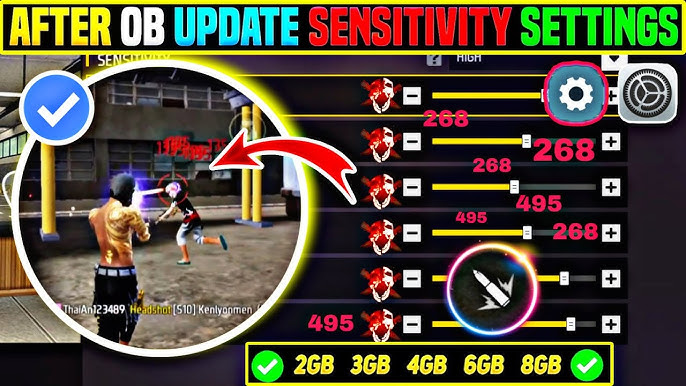
Best Sensitivity Settings for Red Dot, 2x, 4x, and AWM Scope in Free Fire (Complete Guide)
The best sensitivity settings for scopes in Free Fire depend on zoom...
Read More →
Best Character Combinations for Solo vs Squad in Free Fire (Complete Strategy Guide)
The best character combinations for Solo and Squad matches in Free Fire...
Read More →
Best Free Fire Character Combinations for Ranked Push (2026 Guide)
The best character combinations in Free Fire for ranked push depend on...
Read More →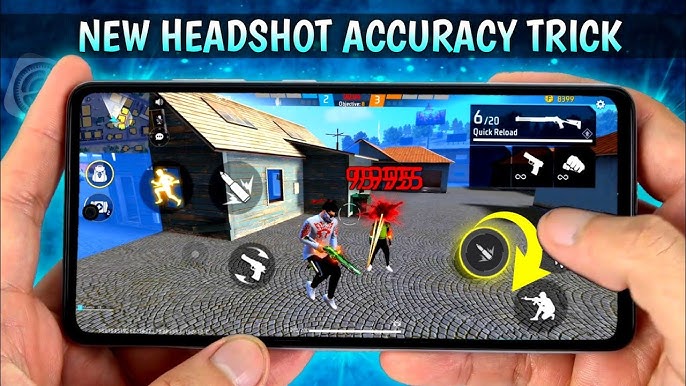
How to Increase Headshot Accuracy in Free Fire (Complete Pro Guide)
To increase headshot accuracy in Free Fire, you need three things working...
Read More →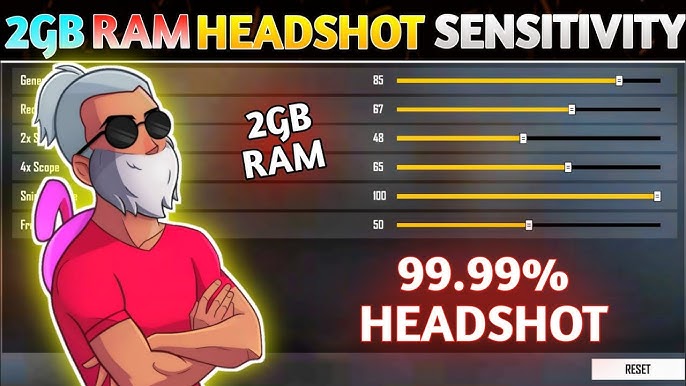
Best Free Fire Settings for 2GB RAM Devices (No Lag Complete Guide)
For 2GB RAM devices, the best Free Fire settings are low graphics,...
Read More →Download the Latest FF Kipas
Looking for the newest version of FF Kipas? Visit the official FF Kipas download portal to access the latest APK releases, setup guides, feature updates, and useful tips for Free Fire players.
Visit FFKipas.org →